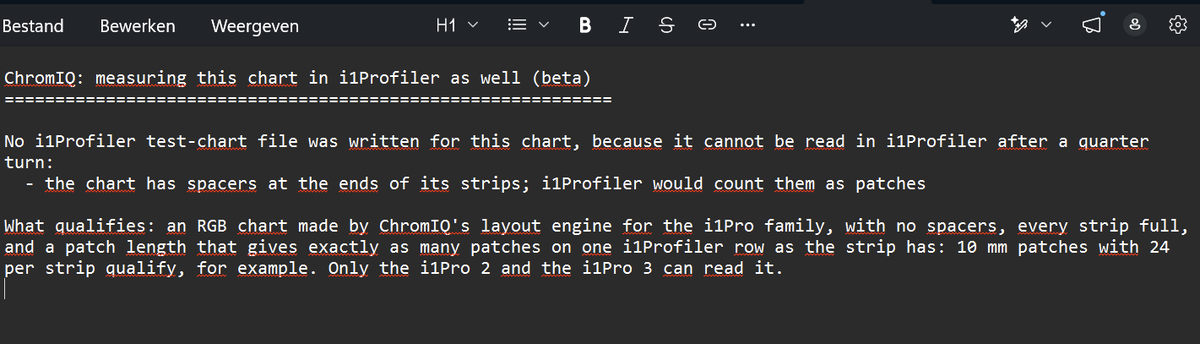
@pharmacist You were right, your chart has no spacers. ChromIQ 4.3.17 also looked at a second setting, "Edge spacers (bracket each strip)" under Create Chart > Manual > Expert Options, and refused the chart when that box was ticked. With Spacers set to None that box prints nothing, so your sheet is exactly the same with it ticked or not. It gets ticked by the built-in i1Pro presets and by charts made in Guided.
For now in 4.3.17: open Expert Options, untick "Edge spacers (bracket each strip)", keep Spacers on None and press Generate Chart again. Your 21 x 24 chart then gets both .txf files. Nothing else on the sheet changes.
In the next update: ChromIQ checks the printed sheet itself, so your chart qualifies as it is. The Edge spacers box is greyed out while Spacers is None. The sheet is also turned clockwise instead of anticlockwise, so the clip border is at the top.
About "Prioritise chart area" with a fixed grid: it works. 24 strips of 27 on A4 gives 8.88 mm patches and an i1Pro 3 file. The i1Pro 2 file needs patches at least 10 mm long along the strip, which is X-Rite's minimum. The number of strips doesn't matter: the files are made from your actual sheet, so 21 or 22 strips both work. Only the patches per strip must equal one i1Profiler row. On paper taller than A4, such as A3, this layout makes the strips too long for an i1Profiler row, and the note then tells you to use "Prioritise patch size, then fit to page" instead.