Print layout engine for Linux. Fully ICC aware

crenedecotret

Print Addict
Joined
Oct 5, 2006
Messages
217
Reaction score
83
Points
163
Hello,

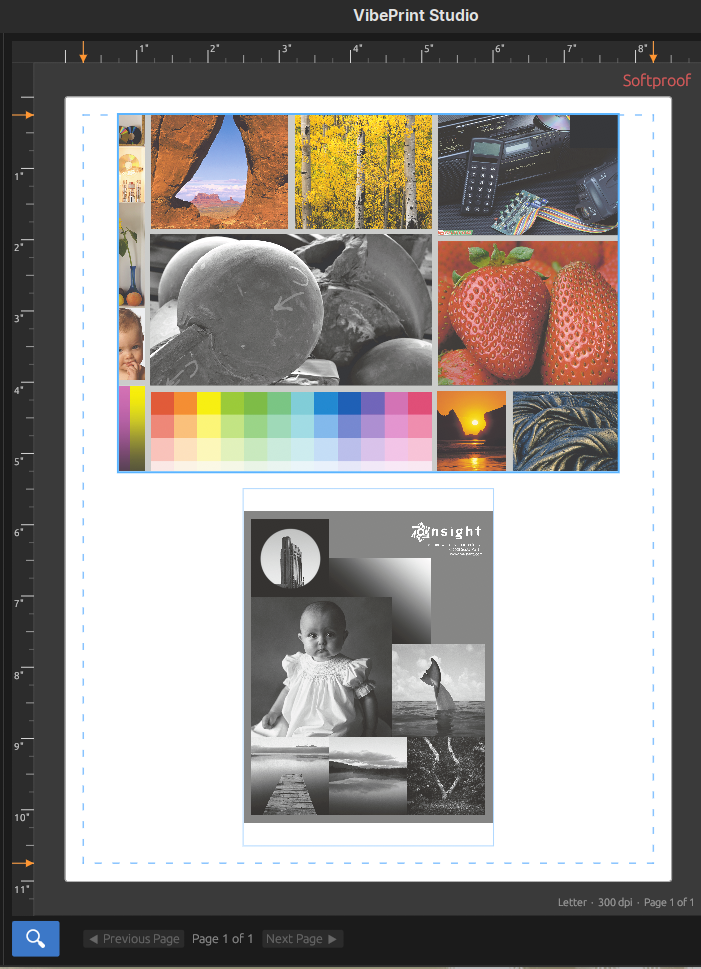
I just wanted to make everyone aware that I created a print layout engine for Linux, similar to what's in Qimage for windows users but only with a subset of features that I needed. This is completely open source and available on github https://github.com/crenedecotret/vibeprint

Would love to hear someone comments. I've mentionned it on reddit and on pixls and I think only one person has tried it in a month

Please make sure you try plain paper before going for expensive art paper :)
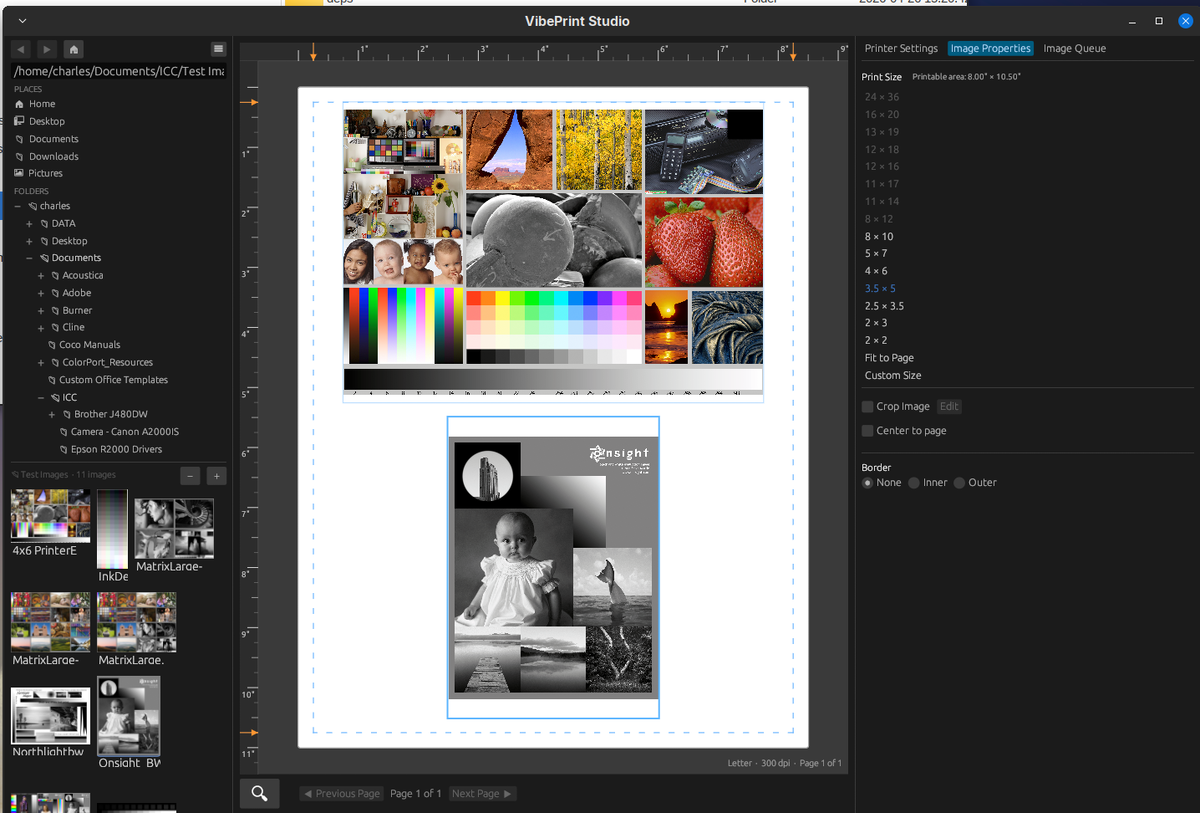
1777435240852.png

1777435338495.png

1777435404531.png


1777435314150.png


1777435376738.png
 

pharmacist

Printer VIP
Platinum Printer Member
Joined
May 29, 2007
Messages
3,038
Reaction score
1,777
Points
333
Location
Ghent, Belgium
Printer Model
SC-900 ET-8550 WF-7840 TS705
Can this software also print with color management disabled for print targets ? Problem is the right linux Epson/Canon driver that can handle media types and resolution, unlike Windows/Mac drivers.
 

ThrillaMozilla

Printer Master
Joined
Jan 18, 2011
Messages
1,247
Reaction score
376
Points
253
Sorry, I'm backlogged and can't try it right now.

But I think it's worth mentioning that the printing environment in Linux and Windows varies between passable and awful, in my opinion. The problem I have with Linux printing is an astonishing inability to print certain sizes on my Epson ET-8550. For example, I can't print 11" x 17"! On Windows one problem is the dreaded double profiling, i.e. applying an ICC profile twice. It's an unbelievable nightmare to know what your software is doing. The objection I have to QImage is that it's somewhat of a Swiss Army program. I just need something that prints and does what it's supposed to.

If your engine can handle those problems and can do basic print jobs simply and without problems and pitfalls, then I'm all in.
 

crenedecotret

Print Addict
Joined
Oct 5, 2006
Messages
217
Reaction score
83
Points
163
Can this software also print with color management disabled for print targets ? Problem is the right linux Epson/Canon driver that can handle media types and resolution, unlike Windows/Mac drivers.
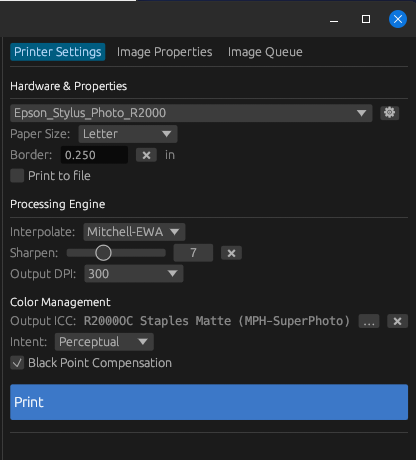
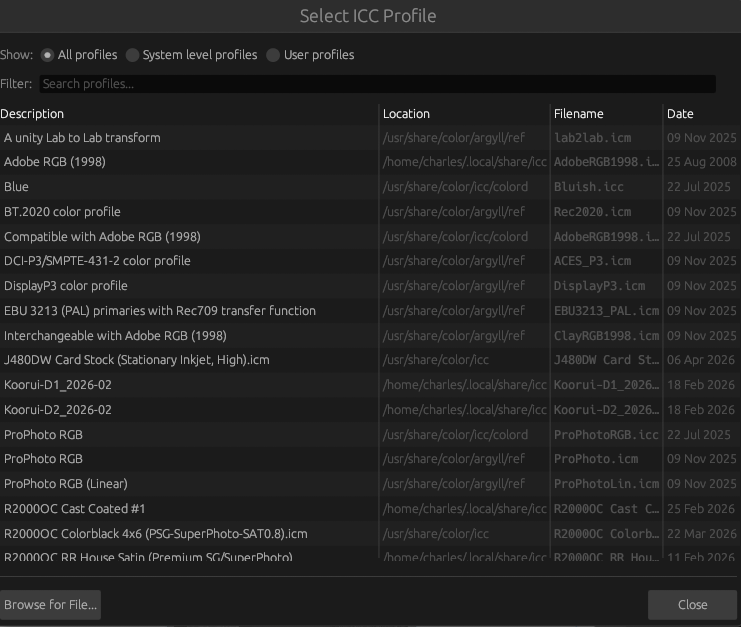
It can but it depends on the printer.. Most guttenprint drivers have an "uncorrected" color mode. I just convert the image to the printer icc profile and send it off to CUPS (with flags to not alter the source in the process). This is similar process to what we do in windows except the operating system/driver layer is different

For some printers that don't have a guttenprint drivers, There is also a way to set the commercial turboprint driver to not do any color management
 
Last edited:

crenedecotret

Print Addict
Joined
Oct 5, 2006
Messages
217
Reaction score
83
Points
163
Sorry, I'm backlogged and can't try it right now.

But I think it's worth mentioning that the printing environment in Linux and Windows varies between passable and awful, in my opinion. The problem I have with Linux printing is an astonishing inability to print certain sizes on my Epson ET-8550. For example, I can't print 11" x 17"! On Windows one problem is the dreaded double profiling, i.e. applying an ICC profile twice. It's an unbelievable nightmare to know what your software is doing. The objection I have to QImage is that it's somewhat of a Swiss Army program. I just need something that prints and does what it's supposed to.

If your engine can handle those problems and can do basic print jobs simply and without problems and pitfalls, then I'm all in.
Hello! The software will read the printer properties available in CUPS and present them to the user. It won't allow sizes the driver dosent know about.

I don't own an Et-8550 so I'm not sure what the driver looks like. I think that printer is not supported (yet) in guttenprint so it probably dosent have the "uncorrected" color mode that my old Epson r2000 has.

I was considering a purchase of that printer so I looked around. On Linux, by default, it works using driverless mode (airprint). This might be why you don't have a 11x17 selection. I think Epson offers a Linux driver for the et-8550 which may be better. If not, turboprint supports the printer (but it's not free). All these options can be profiled but the driverless mode won't be quite as good.

If you ever give Linux another shot, Id be happy to help if I can.

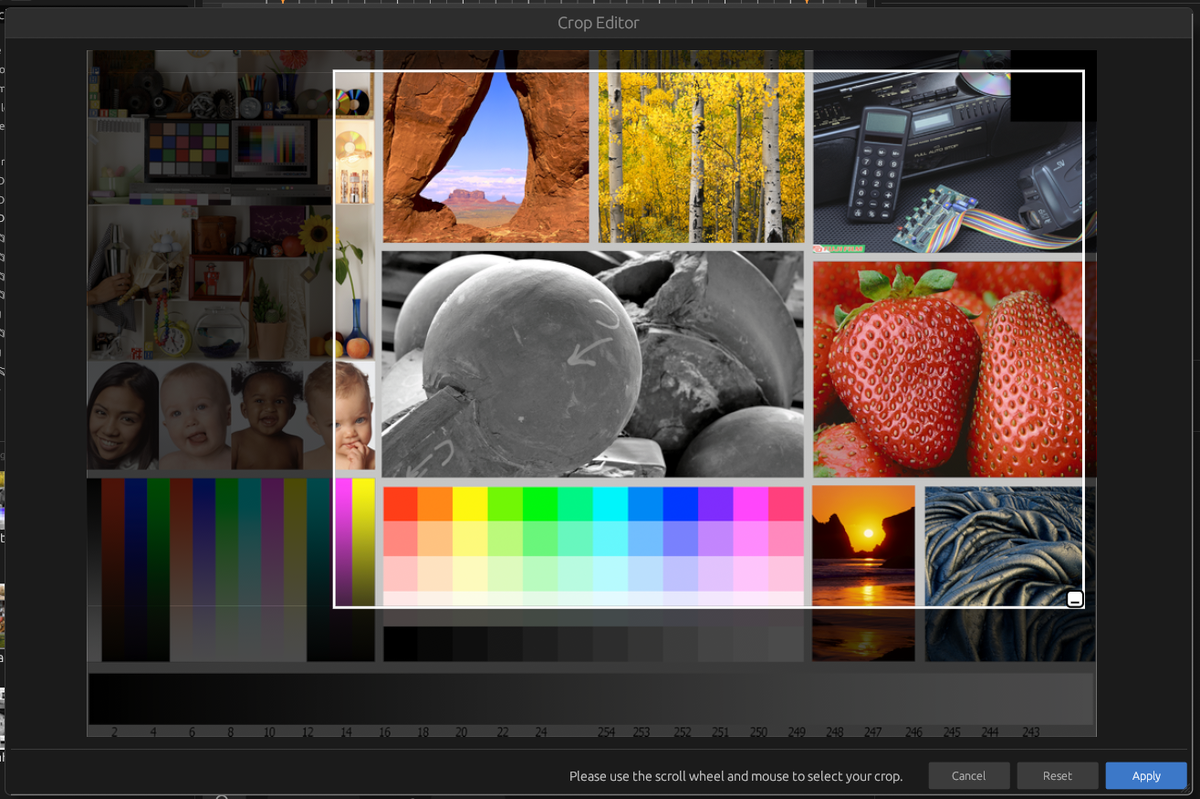
I didn't reproduce qimage.. It's quality cannot be beat but there are so many options I don't use.. I really just wanted something to layout images and print them out with output dpi and light output sharpening. The only non printing features I recreated are cropping and the ability to add inner and outer borders (black only for now)
 

crenedecotret

Print Addict
Joined
Oct 5, 2006
Messages
217
Reaction score
83
Points
163
Just for the sake of transparency... This was all done with AI. Claude Opus for the heavy lifting and an open source au model for the coding.

I don't know how to code but I know about operating systems work in general (I'm a systems administrator) and know the color managed printing path on Linux quite well.

There is about 50 hours of work involved on a project like this and probably as many pages of copy paper in the recycling bin. The initial code produced by Claude had gotten so many things wrong because it thought it knew what it was doing.

I still really enjoyed the experience. It's like having a junior programmer that does a lot of mistakes. In a few cases, when mistakes were made I realized I needed to give the AI more info to begin with
 

ThrillaMozilla

Printer Master
Joined
Jan 18, 2011
Messages
1,247
Reaction score
376
Points
253
Hello! The software will read the printer properties available in CUPS and present them to the user. It won't allow sizes the driver dosent know about.

I don't own an Et-8550 so I'm not sure what the driver looks like. I think that printer is not supported (yet) in guttenprint so it probably dosent have the "uncorrected" color mode that my old Epson r2000 has.

I was considering a purchase of that printer so I looked around. On Linux, by default, it works using driverless mode (airprint). This might be why you don't have a 11x17 selection. I think Epson offers a Linux driver for the et-8550 which may be better. If not, turboprint supports the printer (but it's not free). All these options can be profiled but the driverless mode won't be quite as good.
Actually, I have the Epson driver. I can define a custom page size, 11"x17", but CUPS gives me an error message: "Custom Page Size is out of range." In fact, it isn't out of range for the printer. The setup seems to be confused between Landscape and Portrait, and that may be related to the error. Anyway, this is my problem, not yours, and I can't troubleshoot it right now.

Apparently I also have a driverless mode available, but that's probably simplistic. I also have Gutenprint available and on the print menu, but it looks rather strange. Enough for now. I just want a simple print dialog that works, and I can't afford infinite troubleshooting right now.
If you ever give Linux another shot, Id be happy to help if I can.
Thanks. I use it all the time except when I'm forced to use Windows. This is one of those times.

I didn't reproduce qimage.. It's quality cannot be beat but there are so many options I don't use.. I really just wanted something to layout images and print them out with output dpi and light output sharpening. The only non printing features I recreated are cropping and the ability to add inner and outer borders (black only for now)
Thanks for writing that program. I do notice in your screenshot that you only have an option to set one margin, but there are four margins on a page.
 
Top