
ArgyllCMS printer profile GUI is on it's way

crenedecotret

Print Addict
Joined
Oct 5, 2006
Messages
217
Reaction score
83
Points
163
Hi everyone

Just thought I would drop this here... it's not entirely done but when it is I will provide instructions. This is on LINUX but python is very portable
The "generate" and "profile" portions are not done.. those are the easiest to do. Having the software read the row layout correctly and having it talk to chartread was difficult.
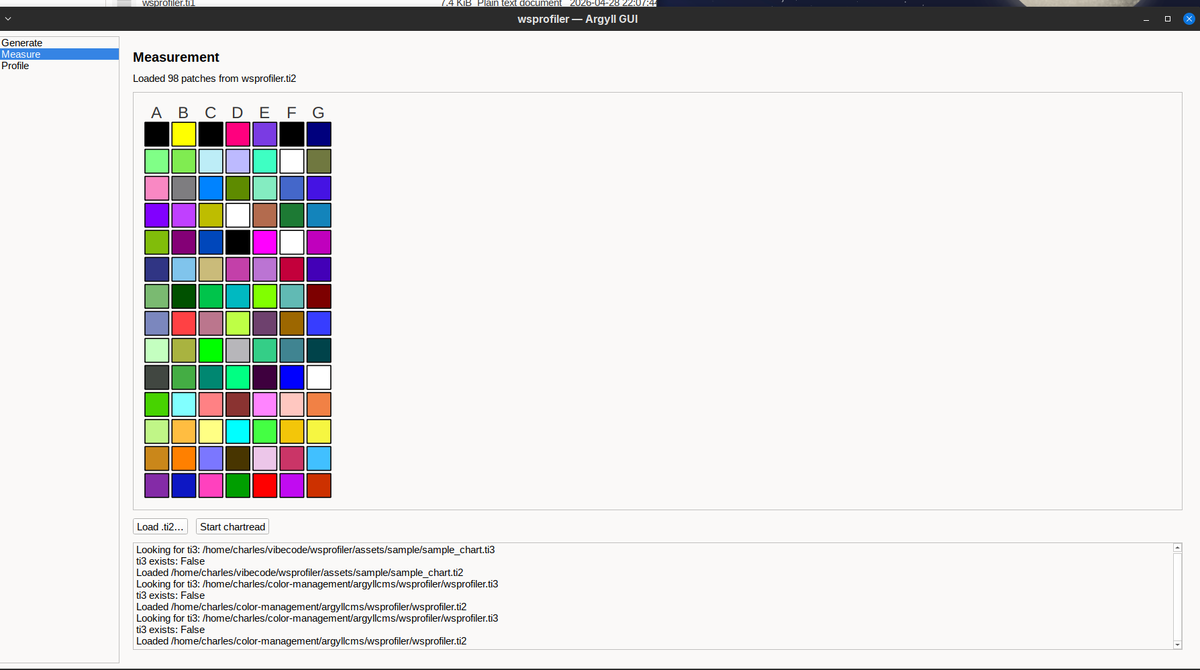
1777434822249.png


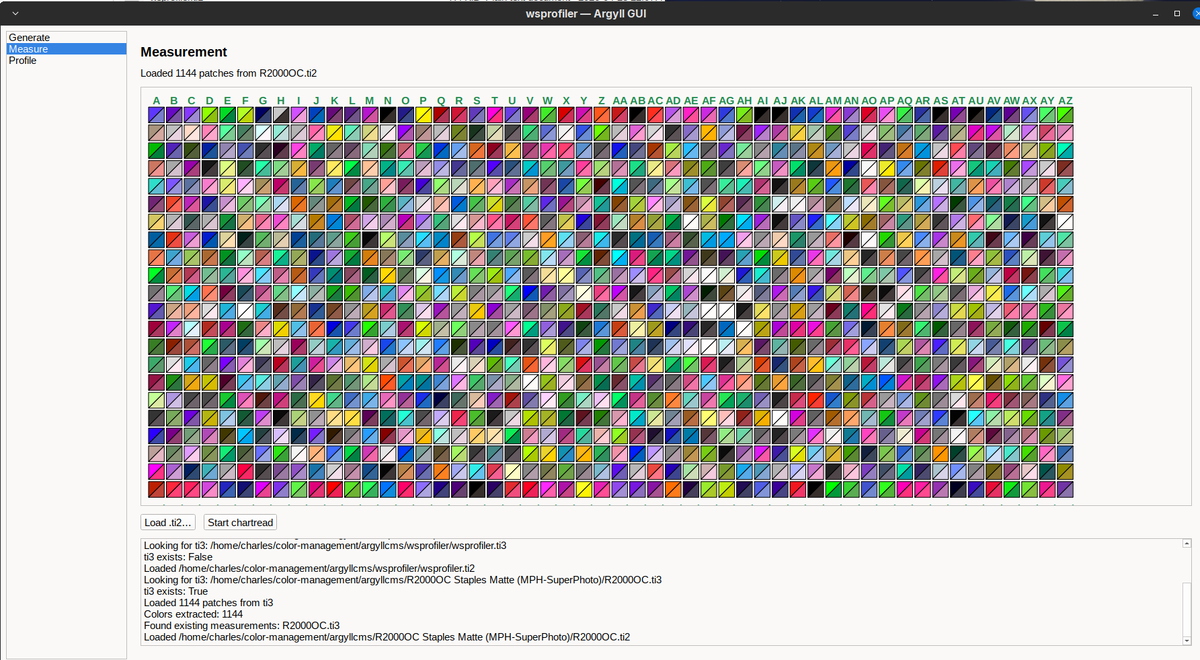
I also did a fun compare screen sort of like i1profiler and spyderprint but it only works once all the patches have been read. It may help spotting bad reads
1777435023936.png
 

pharmacist

Printer VIP
Platinum Printer Member
Joined
May 29, 2007
Messages
3,038
Reaction score
1,777
Points
333
Location
Ghent, Belgium
Printer Model
SC-900 ET-8550 WF-7840 TS705
A free version similar to i1Profiler interface for ArgyllCMS would be nice.
 

crenedecotret

Print Addict
Joined
Oct 5, 2006
Messages
217
Reaction score
83
Points
163
A free version similar to i1Profiler interface for ArgyllCMS would be nice.
I doubt it will ever be the same. Argyllcms was never really intended to be used outside of the command line. I1Profiler was built for a GUI

An example is the "split" color patches to check for errors. Chartread has no way of showing us the values for the strips. It keeps everything in memory so that's why I can only display it at end.

An another almost comical example.. My program is built to be able to click a row and read it again. The way I have to do it is have Python send F and B repeatedly to chartread to reach the column the user clicks.

I'm surprised at this point the wrapper works as well as it does :)

I'll probably reuse some code from pkpatches for the patch generator when I'm done with the chart reader.

I'll probably never add printing routines since I want to keep this portable between Linux and Windows.

Since a GUI would probably interest beginners, I also have some ideas for a two step process (like i1studio). I'm thinking step 1, print a 98 patch colormunki format profile Step 2. Use the first profile to precondition 98 more patches. Step 3. Combine both ti3 files and profile. I due time I suppose.. I've never even tested such a process it's super hypothetical in my head right now.
 

pharmacist

Printer VIP
Platinum Printer Member
Joined
May 29, 2007
Messages
3,038
Reaction score
1,777
Points
333
Location
Ghent, Belgium
Printer Model
SC-900 ET-8550 WF-7840 TS705
The idea of a 2 step-method with 98 patch start target + 98 patch secondary target like the 50 + 50 Colormunki/i1Studio method would be nice and probably produce better profiles than 50 + 50 patches as more sample points are used to sample the RGB color space.
 
Top