New Epson ET-18100 (L18050) printer installation

pharmacist

Printer VIP
Platinum Printer Member
Joined
May 29, 2007
Messages
3,041
Reaction score
1,778
Points
333
Location
Ghent, Belgium
Printer Model
SC-900 ET-8550 WF-7840 TS705
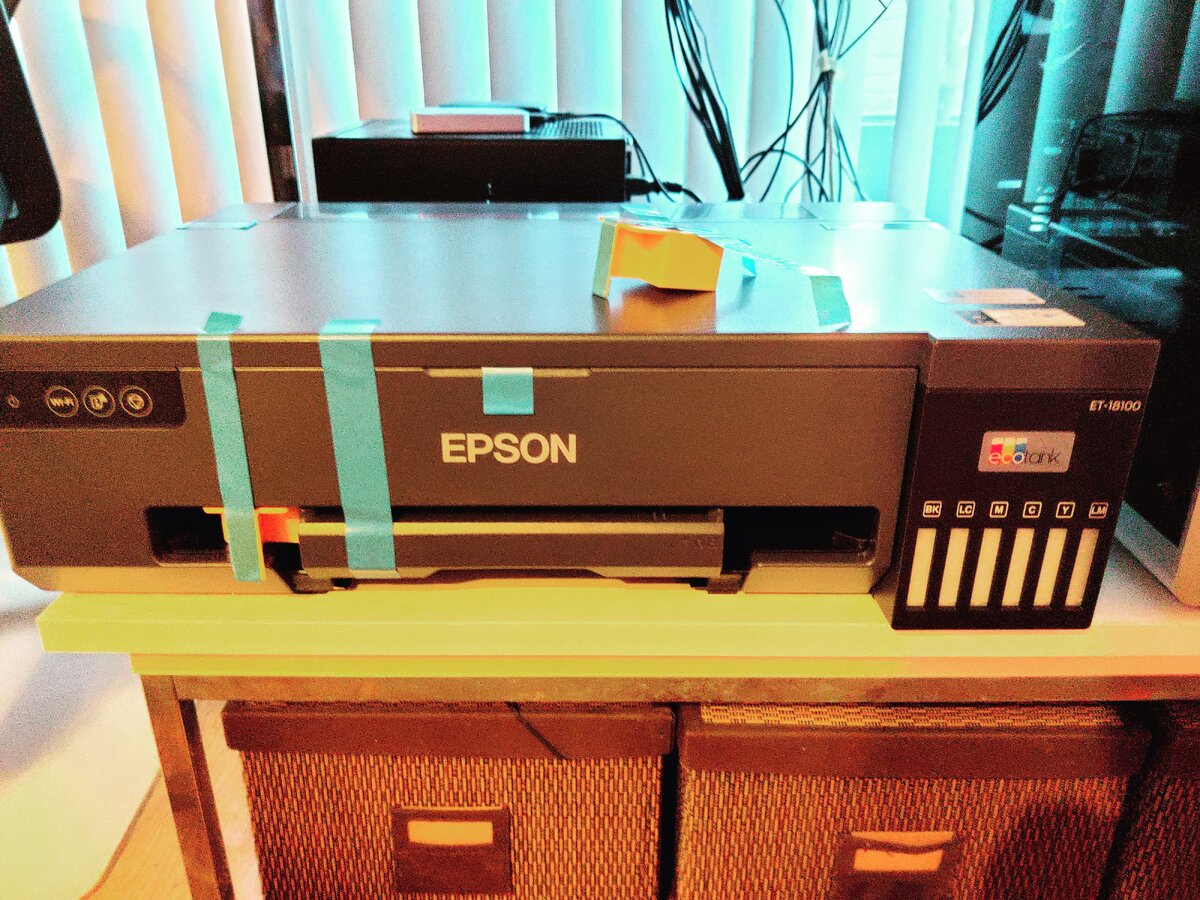
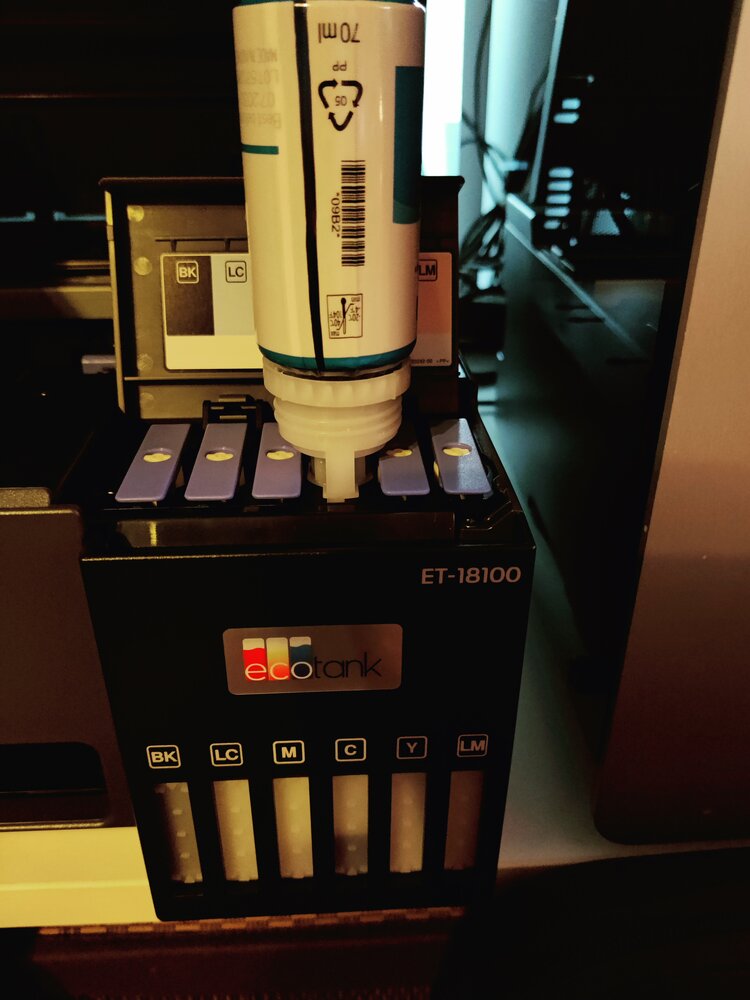
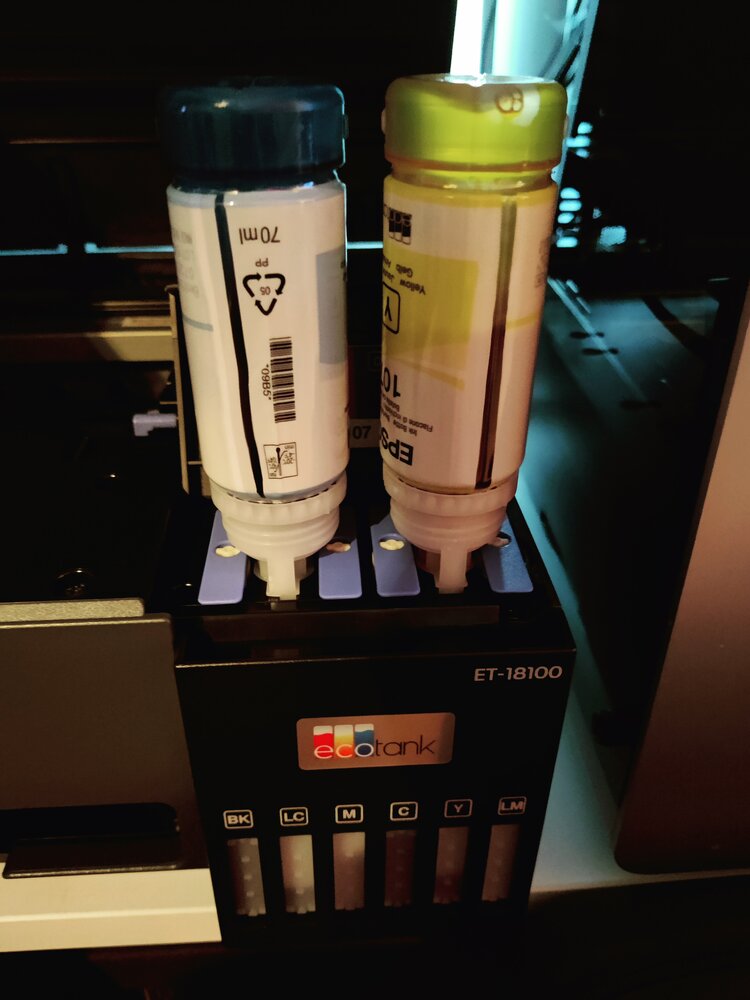
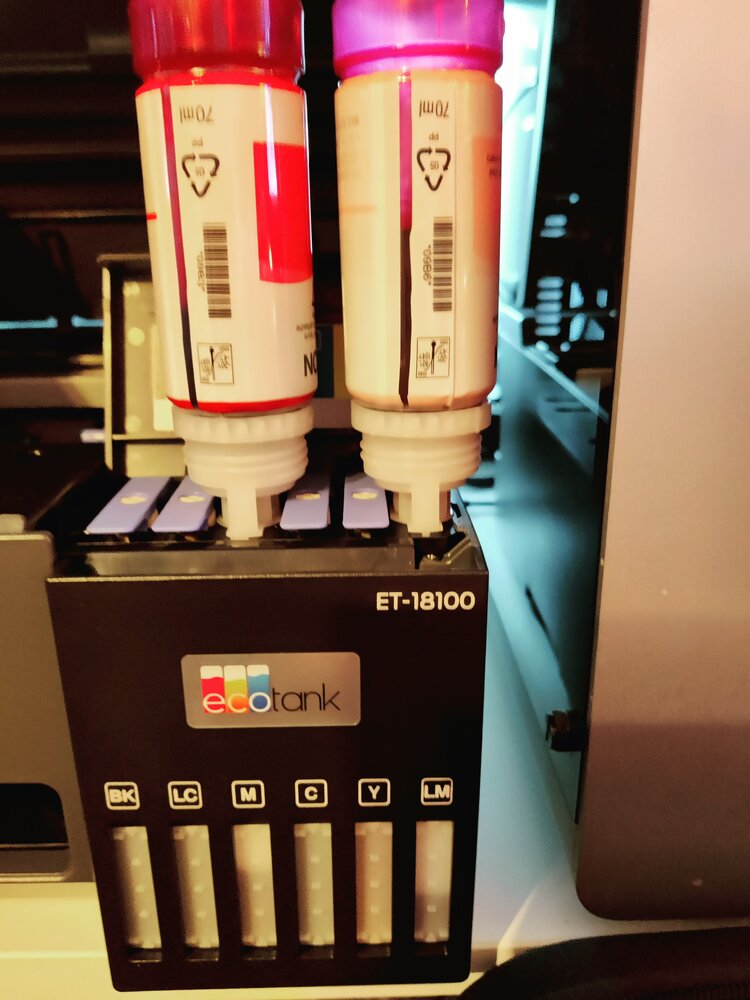
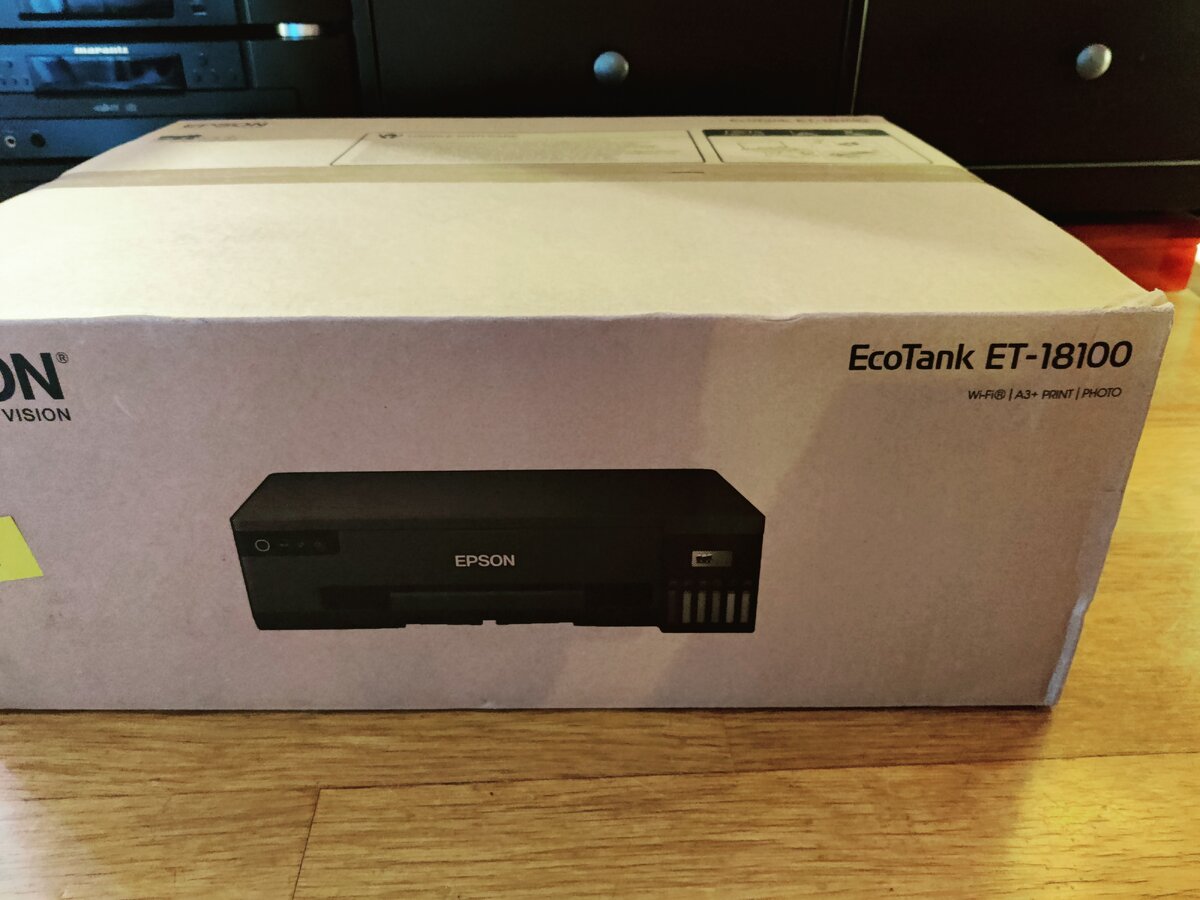
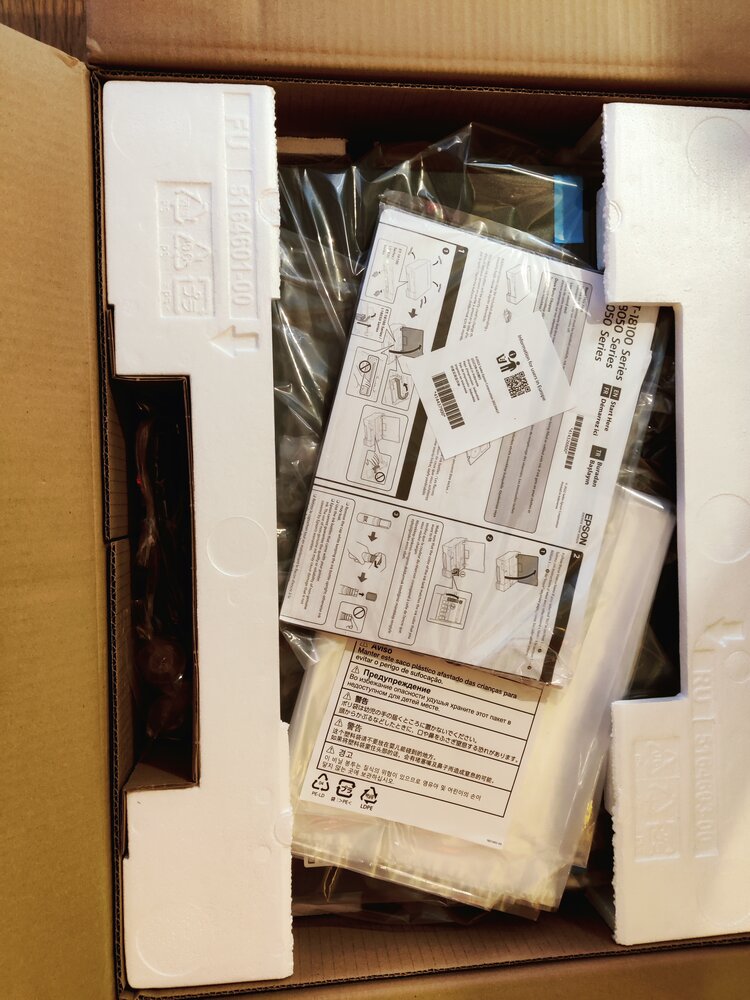
I have bought an Epson ET-18100 (L18050) printer, mainly for the PVC ID card printing capabilities and the CcMmYK 6-color printing engine, similar to previous Epson 1500W A3+ printer that only used tiny cartridges and did not had a user removable waste ink tank (I used a Printer Potty to redirect the waste ink during cleaning cycles into this external container).
IMG_20260504_200456.jpg


IMG_20260504_200545.jpg


IMG_20260504_200816.jpg


IMG_20260504_202007.jpg


IMG_20260504_202249.jpg


IMG_20260504_202528.jpg


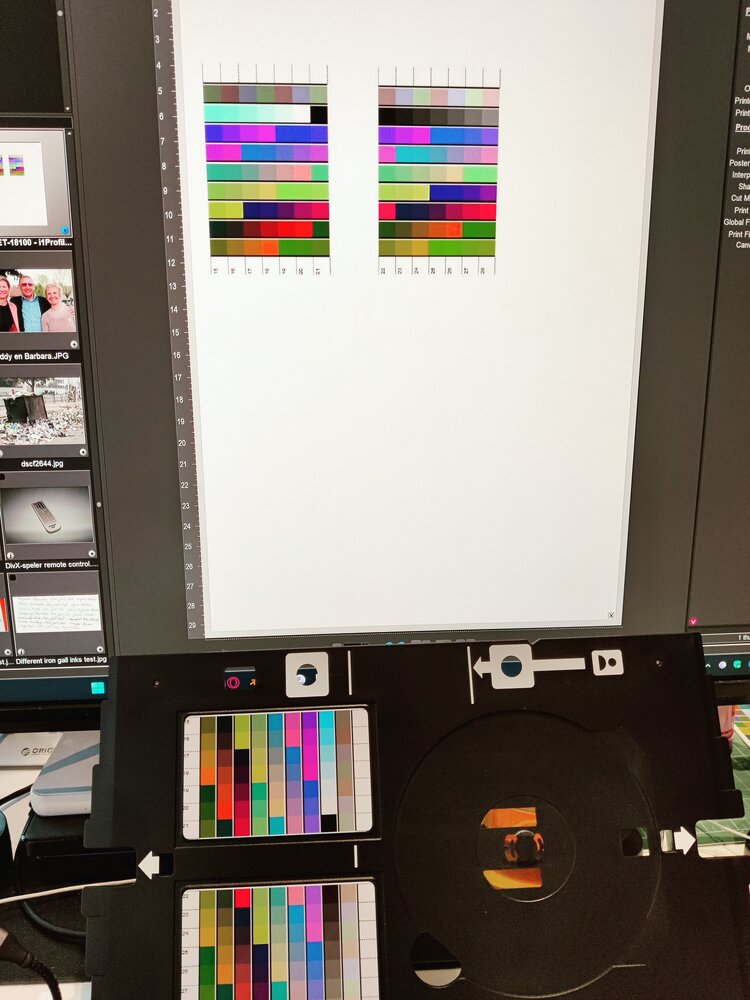
To generate a PVC ID card target I had to download a PSD template and pasted my targets on this template.....The first try was not a succes: too much ink (pooling) was laid onto those PVC ide cards, so I have to reduce ink intensity with -20%. So printing wit color management: OFF to print the targets.....
IMG_20260505_092902.jpg
 

donaldolsen

Newbie to Printing
Joined
May 4, 2026
Messages
3
Reaction score
0
Points
6
Location
United States
Printer Model
Canon i560
This is actually fairly normal for PVC cards as ink doesn't absorb the way it would into paper. You're on the right track by reducing ink density and turning off color management.
You can also get much better results id you use a slower print mode and allow for more drying time between the passes.
 

pharmacist

Printer VIP
Platinum Printer Member
Joined
May 29, 2007
Messages
3,041
Reaction score
1,778
Points
333
Location
Ghent, Belgium
Printer Model
SC-900 ET-8550 WF-7840 TS705
The effect of the profile:

Before the profile I used the standard color management by the printer itself using the ink density setting -20% to prevent pooling so to have good comparison with the profile corrected print also using a ink density setting of -20%:

left print: print with dedicated 252 patch target (i1Profiler generated profile)
right print: color management by the printer itself (internal color correction by the printer driver itself)

IMG_20260509_171543.jpg


As my smartphone does deform the colors and contrast, I also have made a scan on my profiled Epson ET-8550 printer, so the colors are much more accurate:

img20260509_17270787.jpg


You can now clearly see the advantage of this dedicated Epson ET-18100 PVC-ID card profile. Instead of a dull and washed out print without color management, the profile corrected print on the PVC card is vivid and without a color cast in the greys.
 
Top