What effect on bronzing would happen if you were to create a proper ICC profile for the ink-paper combination? I'm not asking for you to do this but to give your opinion on ability to decrease bronzing effect with your own created ICC profiles.
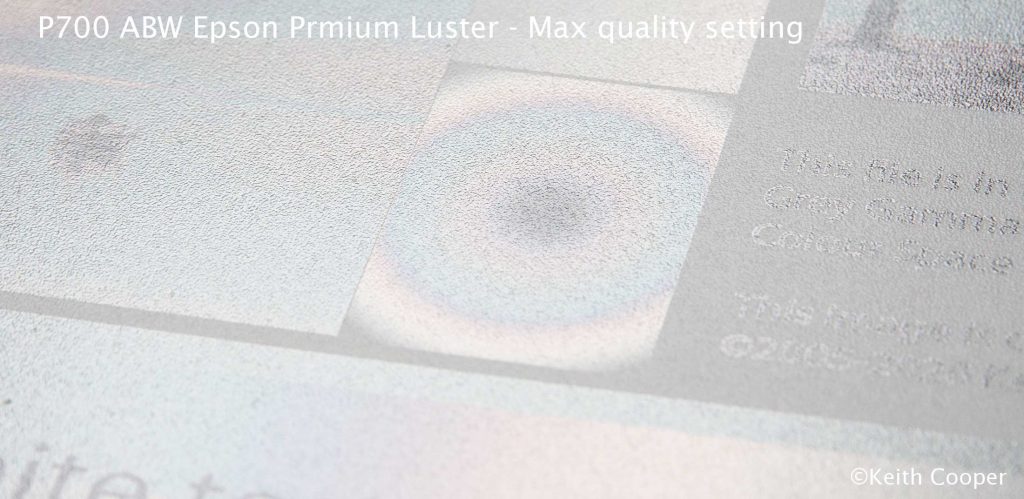
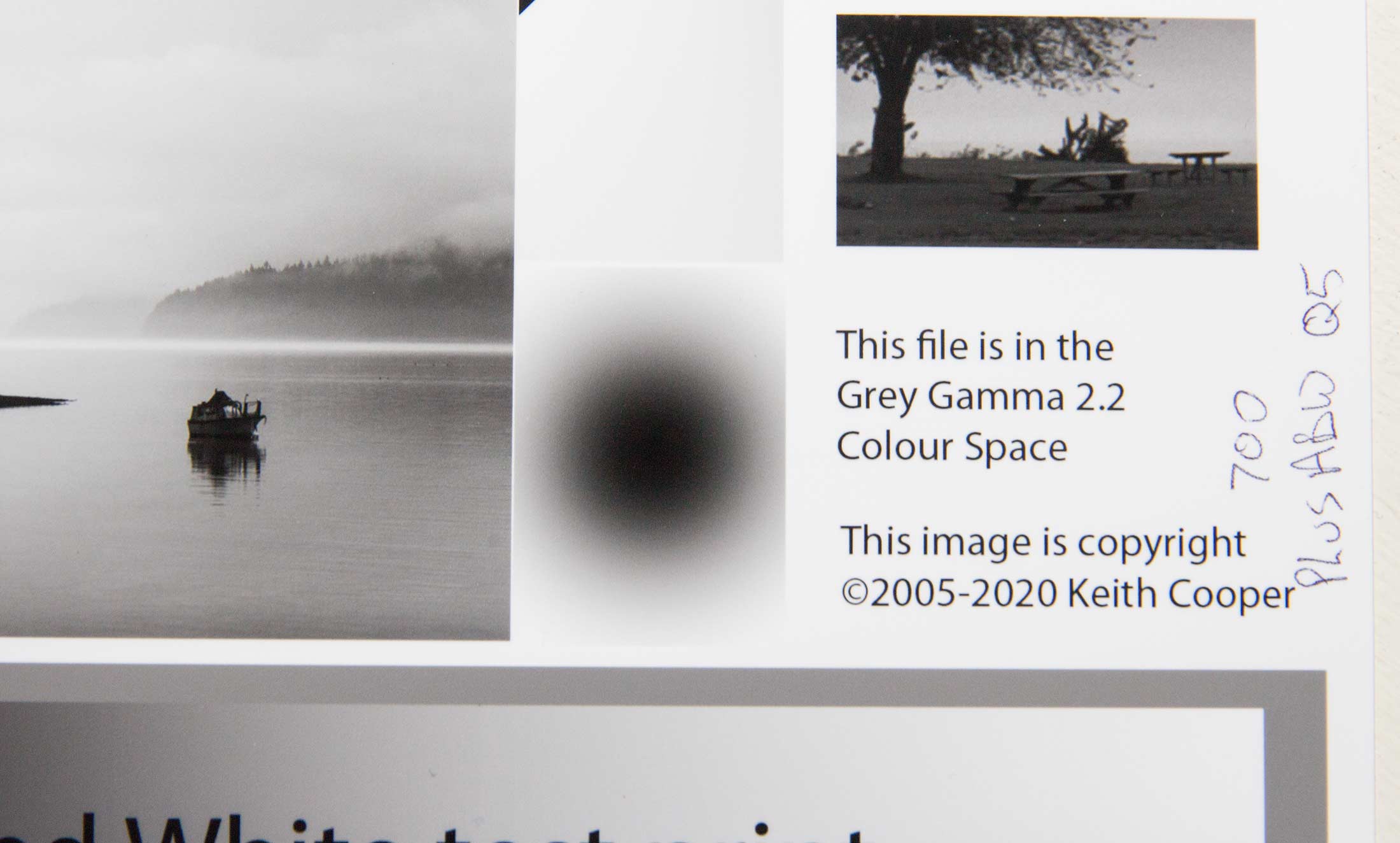
Please let us be clear what and how I'm comparing the effects, I'm using a WF2010W which just uses one black ink, and I'm running it in B/W mode for matte papers to avoid any byprint of other colors. And I'm using the P700 Pk ink, the same ink as in Keith's tests, but be aware that the P700 uses as well a Lk and a LLk which I don't have available, the WF2010W dithers all gray levels from light to black with the same ink - with a different density - the P700 does not do that, even with the same B/W setting in the driver , the driver will dither dark grays with the black ink, medium grays with the Lk ink and light grays with the LLk ink, with some transition ranges in between, the P700 uses 3 inks to cover the complete lightness range from black to paperwhite. This most likely explains that Keith's B/W prints don't show bronzing in the lighter areas - it's with different inks than Pk black. But there is still the interesting effect that the same ink - P700 Pk - shows bronzing at the darker end - see the black spot above - and I see bronzing in the lighter range , and all these effects more or less prominent with different quality settings. If you want to go further you would need to know the effective ranges where the three black/gray inks are used but that's firmware/printer internals not accessible to the user.
I could create a profile for use with the black ink on my WF2010W but this is only a kind of linearization file and just may shift the lightness range slightly at which the effect becomes visible.
I can switch to the normal mode - glossy paper settings - creating a ICC profile and print a B/W image, grays are printed like all color tones as a mix of CMY inks, gray is a color as all others and not unique, the WF2010W will not use the black ink in this case. This would let me review bronzing of the CMY inks and their combinations - that's very interesting as well but not subject of this test. And I won't address effects of a gloss/chroma optimizer, whether it could be a remedy for the bronzing - it actually does - but since not all CO's are alike this adds another level of complexity.
I was originally comparing B/W prints with different inks - Epson P700 Pk vs. Canon PFI105Pk - on the same printer - my WF2010W - , and they look quite similar in terms of bronzing with a small benefit for the Canon ink which is on the market since quite some time. The above test compares the same ink - Epson P700 Pk - on different printers - P700 vs. WF2010W, and when I put all this together I think that Epson could have done better - with a new ink for a new printer - vs. an ink already in use since years, and Canon having a benefit with the availability of a CO.