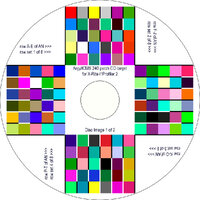
When printing these targets in Photoshop with a Canon Pro-10, are these the correct settings? Just want to make sure I'm not missing anything.
Photoshop Print Settings:
1) Color Handling: Printer Manages Color
Printer Settings:
2) Quick Setup > Media Type: (select correct paper profile)
3) Quick Setup > Additional Features: Borderless Printing
4) Main > Color/Intensity > Manual: Set... > Matching > Color Correction: None
5) Page Setup: Amount of Extension: 0 (slider all the way to the left)
View attachment 17060