
i1Pro1 uv-cut version: not sure it will work with OBA containing papers

pharmacist

Printer VIP
Platinum Printer Member
Joined
May 29, 2007
Messages
3,232
Reaction score
1,848
Points
333
Location
Ghent, Belgium
Printer Model
SC-900 ET-8550 +18100 WF-7840
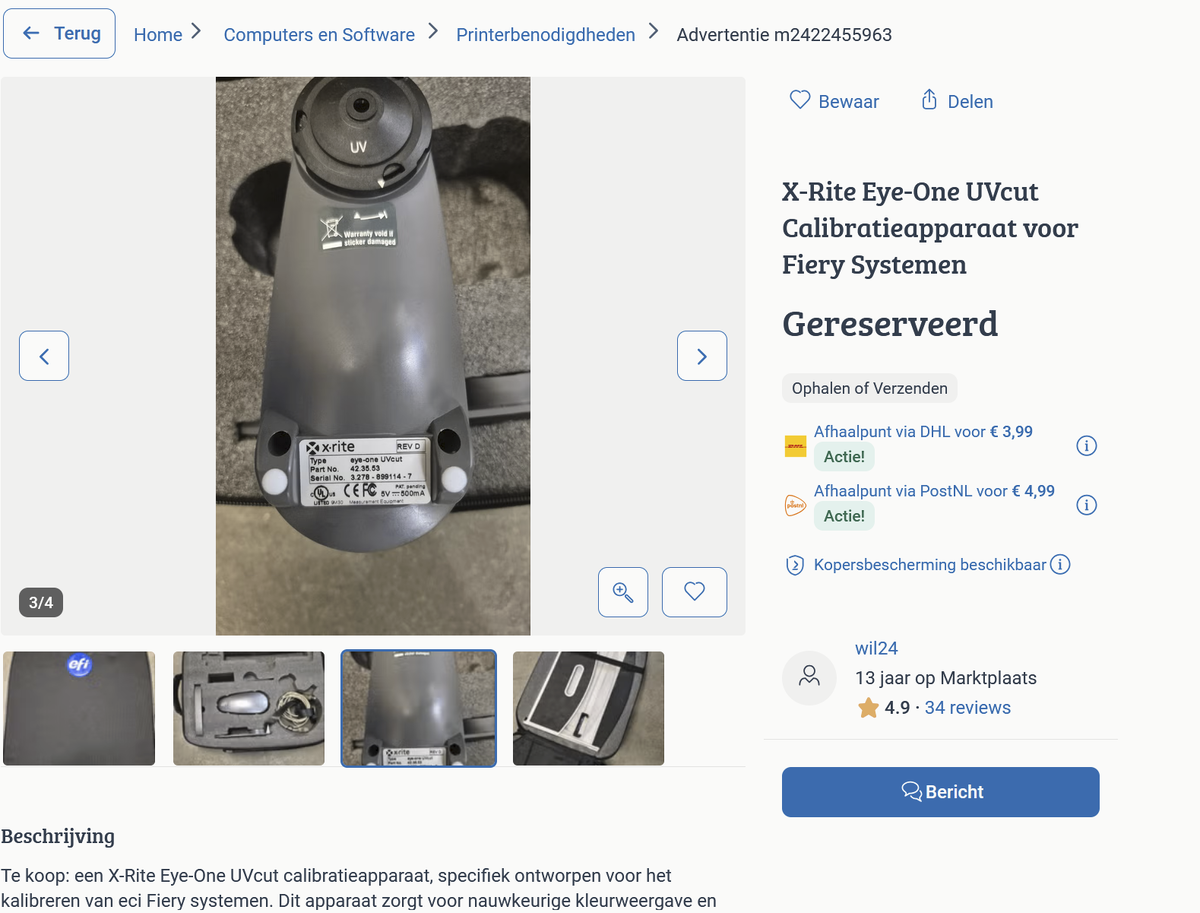
Today I have found a version D uv-cut i1Pro1 (Fiery ES-1000) device. The device is uv-cut, so I think it will give a yellowish hue in bright daylight for OBA containing papers.

So probably I have to use some setting in colprof to counter the uv-cut effect of this device. Because I am using the device for prints that will be pressed between plexiglass plates or behind glass (reducing 98.5% of UV-light), this might not be a big problem. Anyhow the device was a real bargain.
1784992260546.png
 

pharmacist

Printer VIP
Platinum Printer Member
Joined
May 29, 2007
Messages
3,232
Reaction score
1,848
Points
333
Location
Ghent, Belgium
Printer Model
SC-900 ET-8550 +18100 WF-7840
I received the device today and tested with chromiq and i1profiler that detects the device as M2. I made a test profile on oba containing glossy paper but due to the UV filter the greys have a bluish teint in broad daylight viewing. Not sure if I could counter this effect with a setting in color of. Strangely enough the colormunki is uv cut too afaik.
 

Ink stained Fingers

Printer VIP
Platinum Printer Member
Joined
Dec 27, 2014
Messages
6,371
Reaction score
7,597
Points
373
Location
Germany
Printer Model
L805, WF2010, ET8550, T3100X
I consider the OBA content in most regular glossy resin coated photo papers as a problem; I don't need the OBA, most of my prints are viewed indoor where the OBA enhancing effect is minimal. it is a problem that you basically need to profile such papers twice - for indoor and outdoor placement. There are specialty papers - FineArt etc type papers, cotton based and other which don't contain OBA's and are less sensitive to such environmental change. The HP Premium Plus Photo Paper is the only regular type paper with very low OBA contents I have seen so far and allows for some interesting test prints comparing to other glossy papers- Canon papers like the PT-101 and similar contain a very high level of OBA's on the other side.
 
Last edited:

Evomind

Printing Apprentice
Joined
Apr 5, 2026
Messages
10
Reaction score
0
Points
11
Printer Model
HP LaserJet Pro M404dn.
Today I have found a version D uv-cut i1Pro1 (Fiery ES-1000) device. The device is uv-cut, so I think it will give a yellowish hue in bright daylight for OBA containing papers.

So probably I have to use some setting in colprof to counter the uv-cut effect of this device. Because I am using the device for prints that will be pressed between plexiglass plates or behind glass (reducing 98.5% of UV-light), this might not be a big problem. Anyhow the device was a real bargain.

View attachment 19131
Great bargain! Honestly, don't overthink the colprof settings just yet. Since your target display is behind heavy UV-filtering glass, the optical brighteners in the paper won't be popping much in real life anyway. The UV-cut reading will actually give you a pretty accurate representation of how the print will look once it's framed.
 
Top