I Googled "
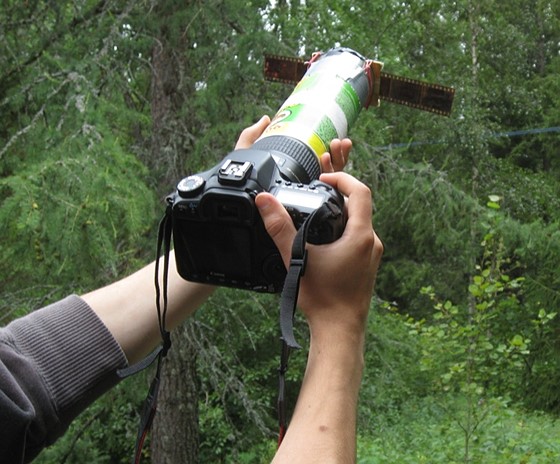
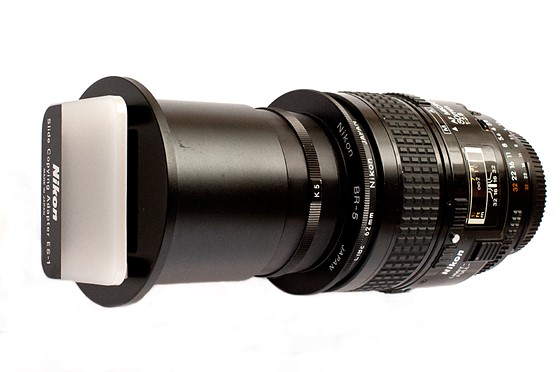
CanoScan 9000F poor sharpness" and read through a number of links. Seems you are not the only one with a sharpness issue with that scanner. Many opinions and a few things to try, like turning off everything but unsharp mask, use some sort of fluid between the negative and the platen glass, and even shooting your negatives with a digital camera.
The above images came from a thread that I found a fellow Swedish person -
blåland - addressing your issue. See his post about 3/4 down the page
here.
More of same on softness issue
here.
Here is
a page that discusses your scanner and settings. Maybe his settings will help you.
Here's
a link where a guy says (post #6) that Nikon software doesn't play nice with Windows 7. This was back in 2013 and may no longer be valid, if it ever was.
Some have suggested a different scanning software, like VueScan, though if the scanner is technically deficient then even the best software will have a tough time overcoming certain deficits without introducing other artifacts.
These are from just the first few links on Google, but the issue seems a common complaint. Check out Google as there may be more info since I only read through the first six links.
Unfortunately, if you cannot find a reasonably solution then it's back to your Epson scanner or shell out more money for a better dedicated film scanner.